Jump 'n Bump
Save behavior varies by game. Check the notes below.
Player notes
About this game
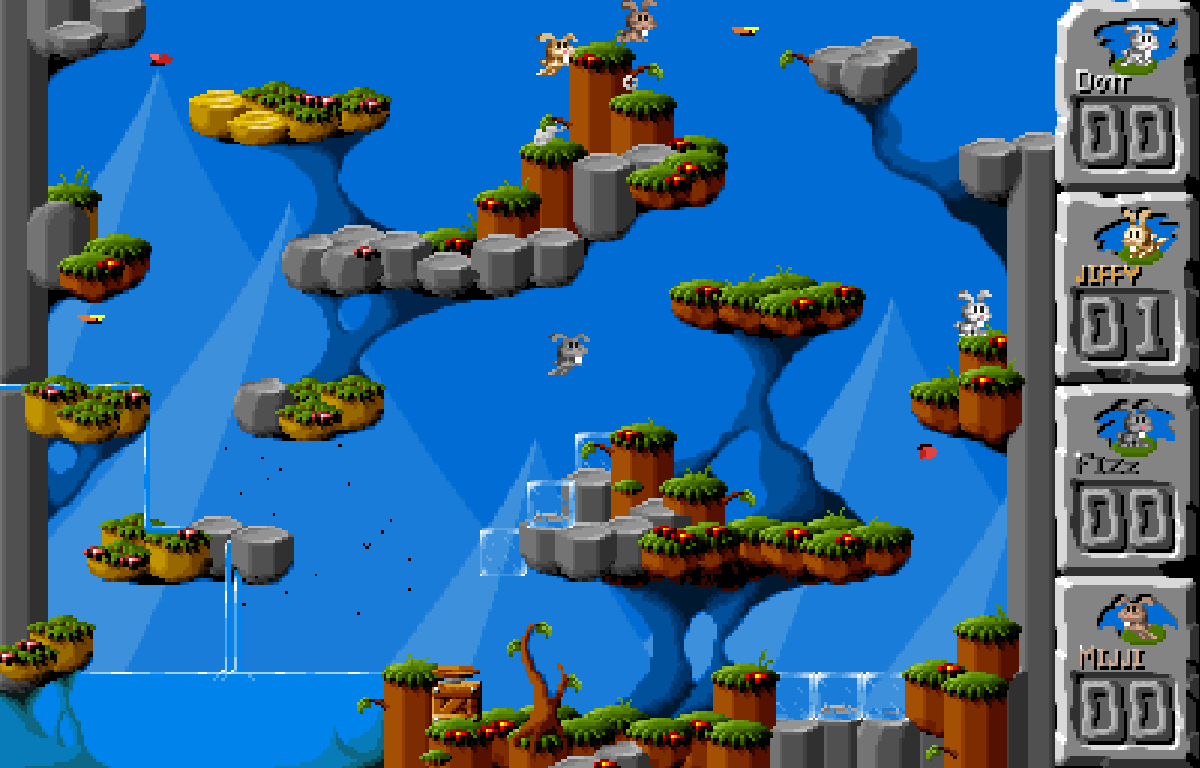
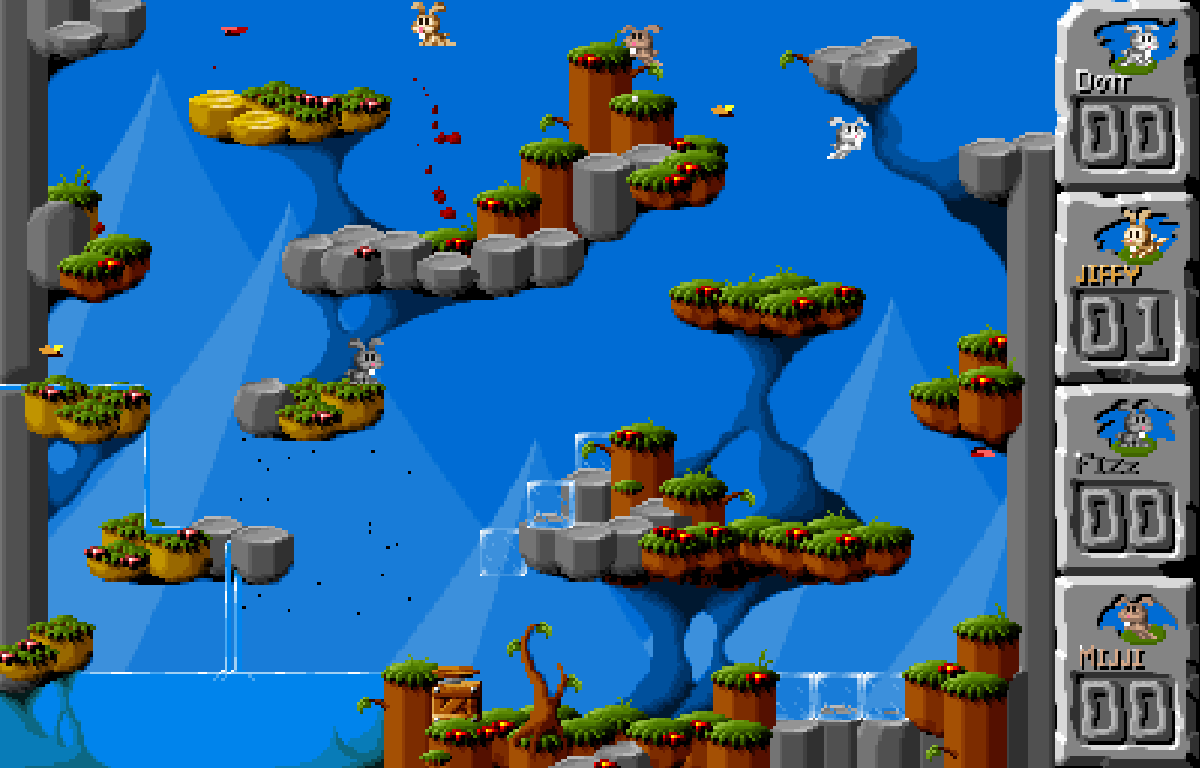
Jump 'n Bump is Brainchild Design’s 1998 rabbit arena game. Move left and right, jump between platforms, and land on another rabbit’s head to score. The level includes water, ice and springs. Despite its small cartoon characters, the game contains blood and gore.
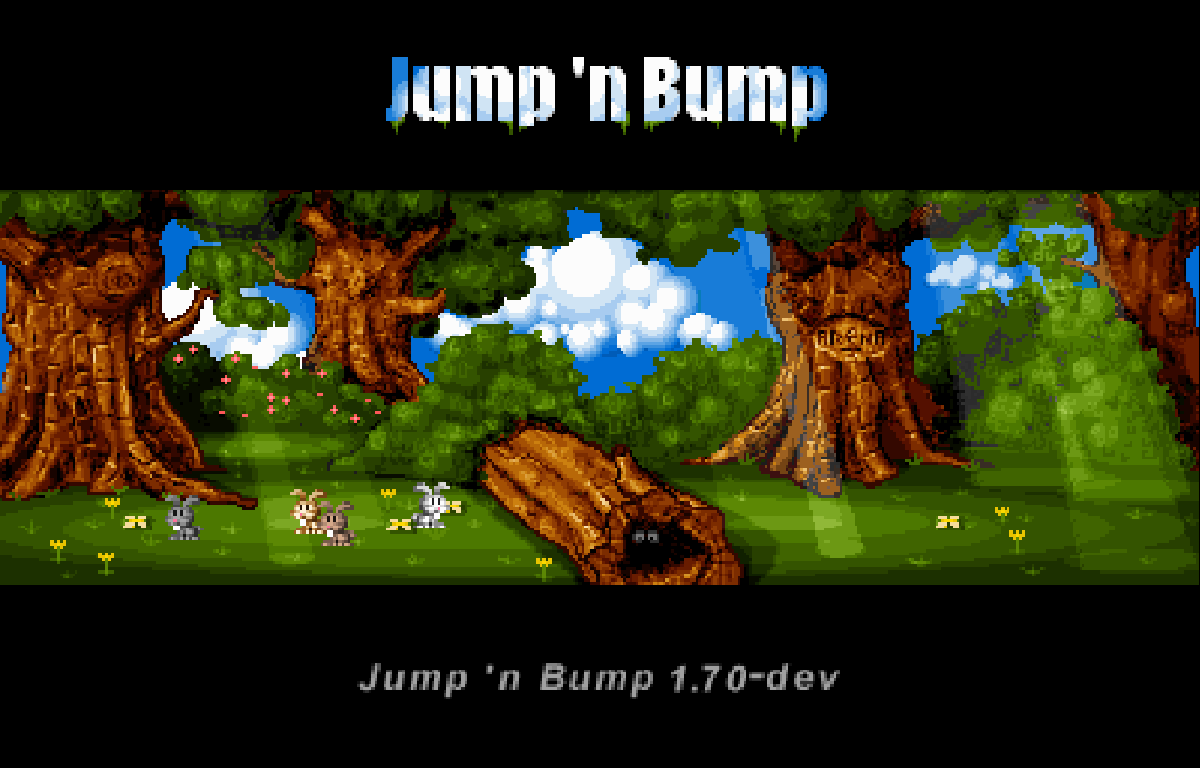
Choose Solo vs 3 AI for one person against three computer opponents. This mode uses Left/Right to move and Up to jump. For Local multiplayer, up to four people share one computer and keyboard. Each person uses their rabbit’s keys to jump over the log in the opening menu; one player then runs off the right edge to start the match with the rabbits that joined. There is no online multiplayer.
White Dott uses Left/Right/Up; gold Jiffy uses A/D/W; grey Fizz uses J/L/I; brown Mijji uses numpad 4/6/8. Each group is left, right, jump. S and Down are not movement keys. Clicking a rabbit does not select it. The website touch buttons send the arrow keys by default; Configure lets you change the displayed keys on your device.
This browser edition builds the community SDL2 source as WebAssembly, retaining the original graphics, MOD music, arena, scoring and community AI. Brainchild Design created the game; Libre Games and other contributors maintained the ports, including midzer’s existing Emscripten version. Old Games Archive adds the website player integration and input fixes. Esc ends a round and displays scores; press it again to return to the menu. No persistent saves or campaign progression are provided.
Compare our game restorations and explore their source code
Original material & repair notesJump 'n Bump · 1998 game / SDL2 port
Brainchild Design released Jump 'n Bump in 1998. This edition continues the SDL2 community engine and midzer's existing browser port; the original arena, artwork, physics and AI are retained.
One repair, in context
- The problem
- A browser canvas click could also activate the inherited mouse controls for another rabbit. Solo play and the several keyboard layouts were easy to confuse.
- The change
- Canvas clicks now give keyboard focus. Solo/local play and each rabbit’s keys are explained separately, and simultaneous touch movement/jumping uses the shared player. Original mouse bindings remain in native code.
The upstream README names two rabbits differently from its HTML manual and in-game score table; our control guide follows the checked engine and sprite colours. No online multiplayer or persistent save is claimed.
Download the corresponding browser source ↓Includes the source, build notes and original notices. This is not an original DOS release package.Start here
Quick tips
Choose Solo vs 3 AI for one person. Local multiplayer means up to four people at this computer, not online opponents.
For local play, each participating rabbit must jump over the log before one runs off the right edge. A rabbit left behind does not join the match.
Each player has three keys: left, right and jump. Agree on a key group before starting. The numpad group needs a numeric keypad.
Hold move and jump together to reach higher platforms. Landing on an opponent from above scores; moving into one from the side does not.
Esc opens the score table at the end of a round; another press returns to the menu. Scores are not saved after closing the player.
- Left / Right
- Player 1, white rabbit Dott: move left / right; also used in solo mode
- Up
- Player 1, white rabbit Dott: jump; also used in solo mode
- A / D
- Player 2, gold rabbit Jiffy: move left / right
- W
- Player 2, gold rabbit Jiffy: jump
- J / L
- Player 3, grey rabbit Fizz: move left / right
- I
- Player 3, grey rabbit Fizz: jump
- Numpad 4 / 6
- Player 4, brown rabbit Mijji: move left / right
- Numpad 8
- Player 4, brown rabbit Mijji: jump
- Enter
- Start solo from the mode chooser; choose Local multiplayer on screen for shared-keyboard play
- Esc
- End the round and show scores; press again to return to the menu
Screens
Screenshots
Keep playing
Similar Games
Ratings & comments
Help improve this entry
Something not working?
Report a gameplay or information problem. Short reports are enough.
Archive notes
Rights and Source Notes
Browser play is available for this entry. Official project references are listed below.
- Distribution
- Source restoration
- Attribution
- Original game by Brainchild Design; community SDL2 and AI contributors, Libre Games; existing Emscripten port by midzer. Browser integration by Old Games Archive.
- Browser player
- WebAssembly · Browser play
- Added to archive
- 2026-07-27
- Official references
- Source code
- Download open-source code packageSource code only; this is not a game ROM download.
No comments yet. Be the first to share a tip.