Libre Jigsaw
Save behavior varies by game. Check the notes below.
Player notes
About this game
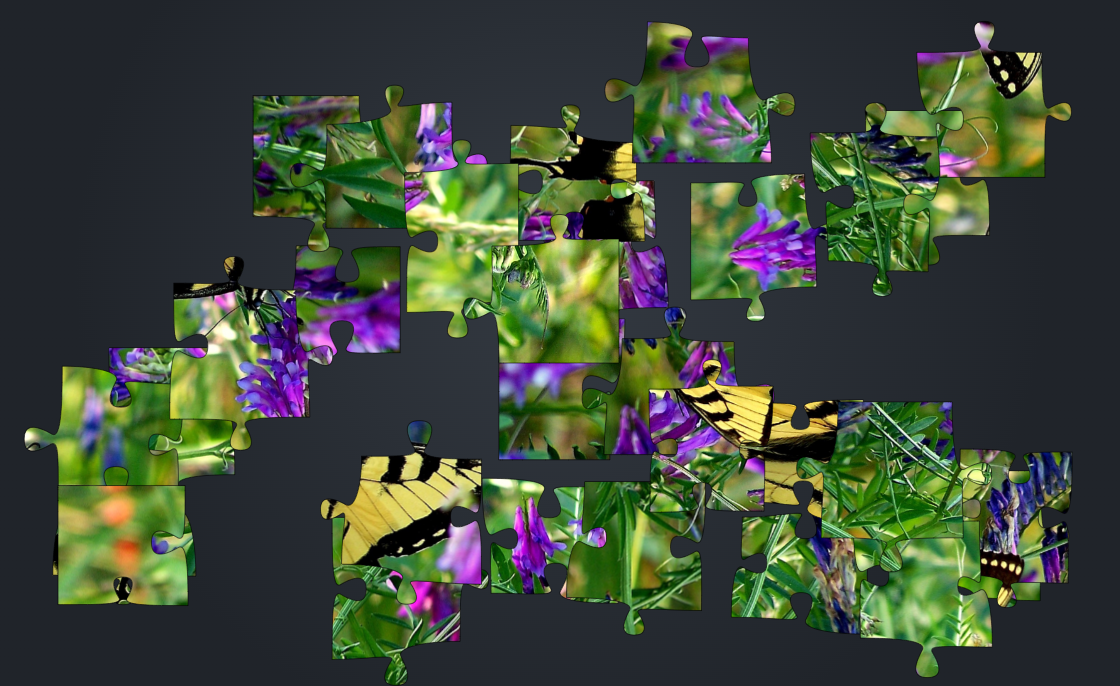
Choose a photo, then set the shape and piece count. Move a piece into position beside its neighbor and it will snap into place when the edges and rotation match. You can set aside pieces on other layers to keep the board clear.
This browser edition follows Jonathan Hulka’s 2012 Libre Jigsaw and earlier Virtual Toybox work. The built-in photographs and the cover using them credit JS Nature Photos under CC BY-SA 3.0 US. Your own image stays in your browser when you choose it.
Start here
Quick tips
Use Preview to check the finished picture when similar colors make two pieces hard to tell apart.
Choose Game → Save before leaving. Open Game → Resume saved puzzle after reopening. You can also copy the save text into a .ljf file and load that file later.
- Left / Right
- While dragging a piece or joined group, turn it left or right.
- 1 / 2 / 3
- Switch among the three sorting layers.
- Pointer / touch
- Drag a piece or a joined group. Use the layer menu to organize pieces.
Keep playing
Similar Games
Ratings & comments
Help improve this entry
Something not working?
Report a gameplay or information problem. Short reports are enough.
Archive notes
Rights and Source Notes
Browser play is available for this entry. Official project references are listed below.
- Distribution
- GPL-3.0-or-later
- Browser player
- JavaScript · Browser play
- Added to archive
- 2026-11-14
- Official references
- Source code
- Download open-source code packageSource code only; this is not a game ROM download.
No comments yet. Be the first to share a tip.