Adjustris
Saves are stored in this browser.
Player notes
About this game
Adjustris is a falling-block puzzle game created by Dave VanEe for the PDRoms Coding Competition in 2005 and later cleaned up for a source release in 2017. A round follows the familiar rhythm of positioning falling pieces to complete horizontal lines, but the game changes the formula by letting players design the pieces that will appear. Four built-in sets provide a quick starting point, while four editable slots turn the cartridge into a small puzzle construction kit.
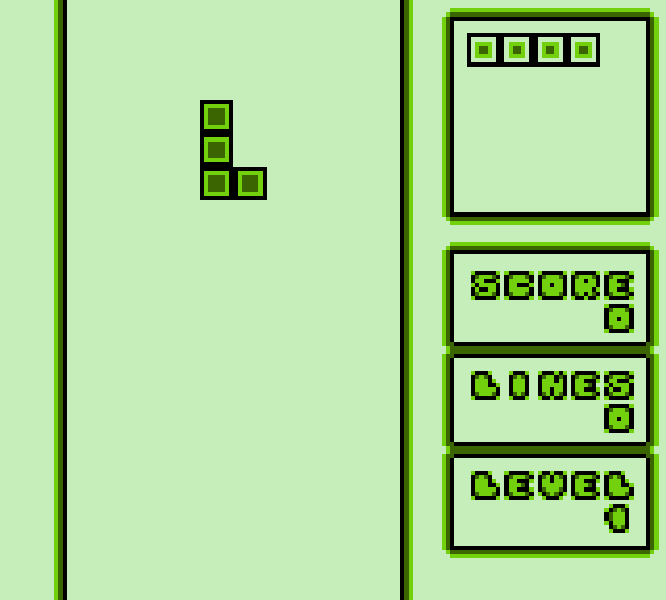
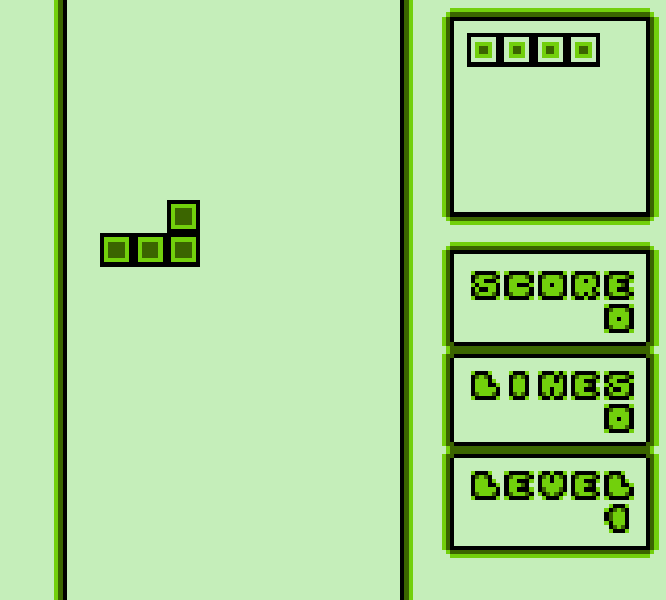
The main game rewards clean stacking rather than frantic inputs. Pieces can rotate in either direction, and every ten cleared lines advances the level and increases the drop speed. The unusual shapes in later sets make open wells and flat surfaces harder to preserve, so checking the next piece before committing to a narrow gap matters. High scores are stored separately for each set, which makes experimenting with a custom collection feel like creating a new rule set rather than merely changing the graphics.
The piece editor is the feature that gives Adjustris its identity. Players can toggle individual blocks, move the center of rotation, choose clockwise, counter-clockwise, or fixed behavior, and decide whether a piece spins or wobbles. Tile appearance and piece order can also be changed before the set is saved to a battery-backed slot. Because the rotation point is editable, two shapes with the same outline can behave very differently in play.
For a first run, start with built-in Set 1 and learn how quickly the speed changes after ten lines. Keep one side of the board lower than the other so long or awkward shapes still have a safe landing place. In the editor, begin with compact pieces of three or four blocks; very wide shapes and off-center rotation points are better saved for deliberate challenge sets. The result is both a solid score game and an accessible example of how a Game Boy title can expose its own design tools.
Start here
Quick tips
Start with built-in Set 1, keep one side of the stack low, and leave room for pieces that do not fit a standard four-block pattern.
Use X and Z to test both rotation directions before a piece reaches the stack; the custom sets can use unusual rotation centers.
Pause with Enter, then press Tab if you need to abandon the current round and return to the title screen.
- Arrow keys
- Move a piece or editor cursor
- X
- Game Boy A: rotate or confirm
- Z
- Game Boy B: rotate the other way or cancel
- Enter
- Start and pause
- Tab
- Select; exit a paused game
- D-pad
- Move a piece or editor cursor
- A button
- Rotate or confirm
- B button
- Rotate the other way or cancel
- Start
- Start and pause
- Select
- Exit a paused game
Screens
Screenshots

Keep playing
Similar Games
Help improve this entry
Something not working?
Report a gameplay or information problem. Short reports are enough.
Archive notes
Rights and Source Notes
The author repository and v1.1 release publish this unmodified ROM under a CC0 1.0 public domain dedication. The staged ROM SHA-256 exactly matches the official release asset.
- Distribution
- CC0 1.0 public domain dedication
- Browser player
- EmulatorJS · Browser play
- Archive review
- Reviewed 2026-07-21 · recheck by 2027-07-21
- Official references