Carazu
Saves are stored in this browser.
Player notes
About this game
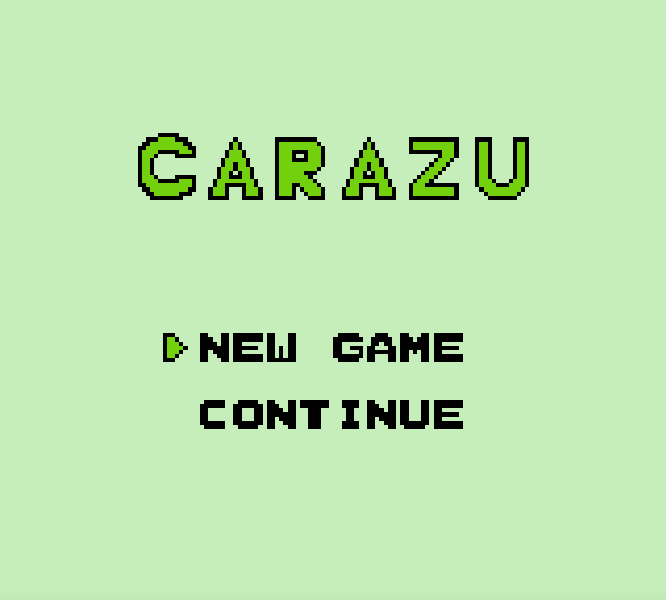
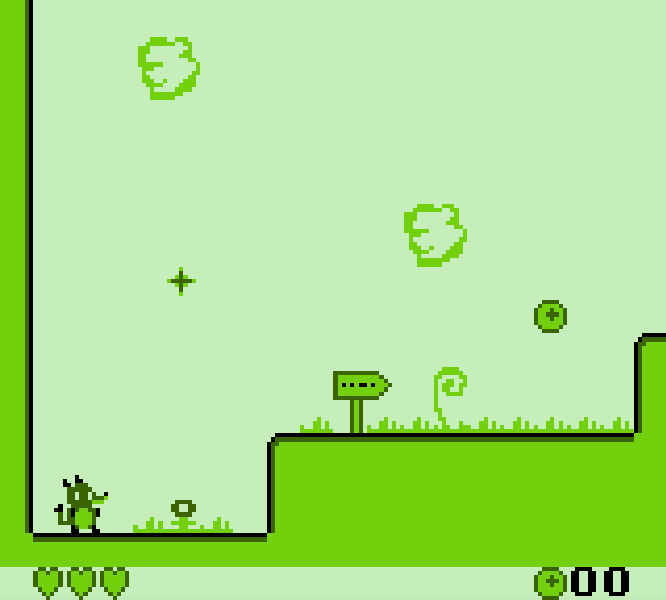
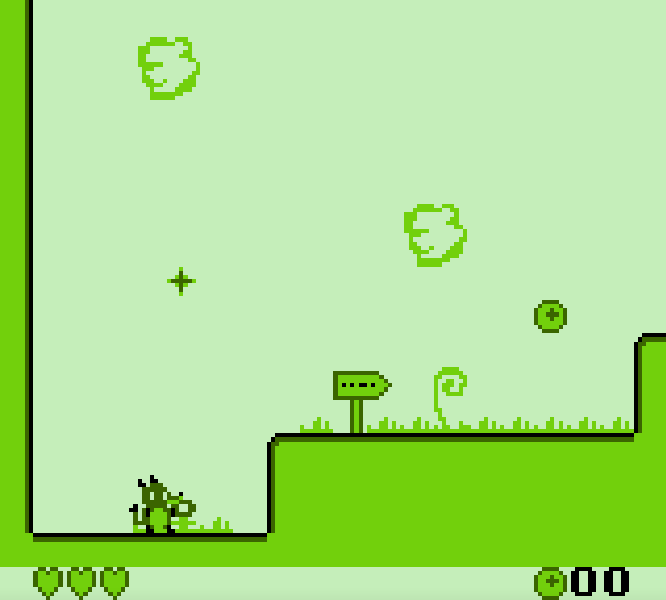
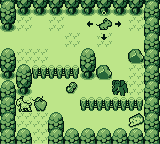
Carazu is a Game Boy platformer built around movement, hazards, and gradual ability upgrades. You control a small mouse exploring a fantasy world filled with spikes, hostile creatures, moving platforms, and routes that cannot all be reached at the start. New powers change how Carazu moves through familiar areas, turning earlier obstacles into paths worth revisiting.
Use the left and right arrows to build momentum and X for the Game Boy A button to jump. Jump height responds to how long the button is held, so a short tap is useful near low ceilings while a longer press clears wider gaps. Up enters doors when Carazu is standing in front of one. The B button is used by abilities acquired during the adventure; its purpose changes as the available powers expand.
Move deliberately when a new screen appears. The monochrome art makes spikes and enemies readable, but landing space can be narrow and rushing into the next section often costs a life. Test the edge of a platform before committing to a long jump, and revisit blocked passages after collecting a new power. Progress comes from learning how each ability changes the map, not from forcing every obstacle with the starting move set.
Carazu uses acceleration rather than instant horizontal movement, so release the direction before a narrow landing instead of correcting after the mouse is already above it. Enemies can also serve as timing markers: watch one full movement cycle before jumping into their path. When a new ability is collected, check nearby rooms first. The intended route often demonstrates the power in a controlled space before asking for a more difficult combination of movement and hazards.
Start here
Quick tips
Hold jump for wider gaps, but use short taps where the ceiling is low.
Press Up at doors and remember routes that appear unreachable with the starting abilities.
Pause at the edge of a new screen and identify spikes, enemies, and safe landing space before moving.
- Left / Right
- Move Carazu
- X
- Game Boy A: jump
- Z
- Game Boy B: use an acquired ability
- Up
- Enter a door
- Enter
- Start or pause
- D-pad
- Move Carazu or enter a door
- A button
- Jump
- B button
- Use an acquired ability
- Start
- Start or pause
Screens
Screenshots
Keep playing
Similar Games

Help improve this entry
Something not working?
Report a gameplay or information problem. Short reports are enough.
Archive notes
Rights and Source Notes
- Distribution
- GNU GPL version 3 or later
- Browser player
- EmulatorJS · Browser play
- Added to archive
- 2026-07-22
- Official references