Dynamo Draughts
Saves are stored in this browser.
Player notes
About this game
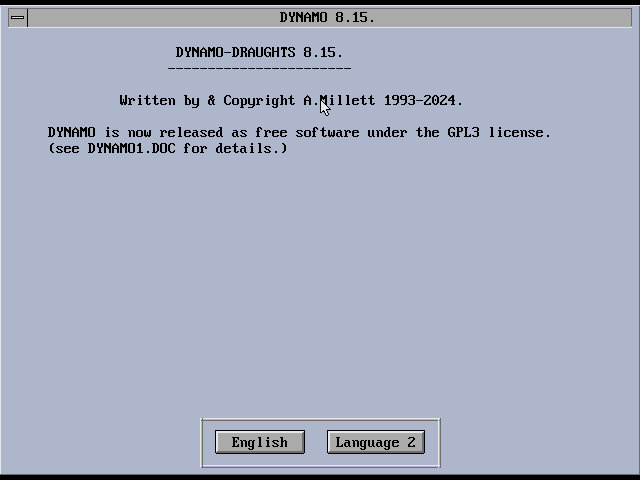
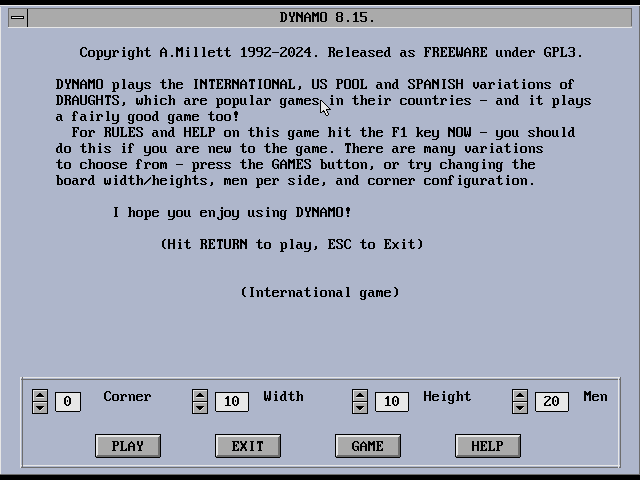
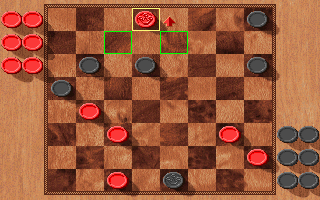
Dynamo Draughts is a DOS board-game program written by Adrian Millett and first distributed by PC Solutions in the early 1990s. Instead of implementing only one familiar version of checkers, Dynamo treats draughts as a family of related games. International, Canadian, Spanish, American Pool, Portuguese, and Russian rule sets are available, along with experimental board sizes. That breadth makes the program useful both as an opponent and as a small historical reference for variants that many players rarely encounter.
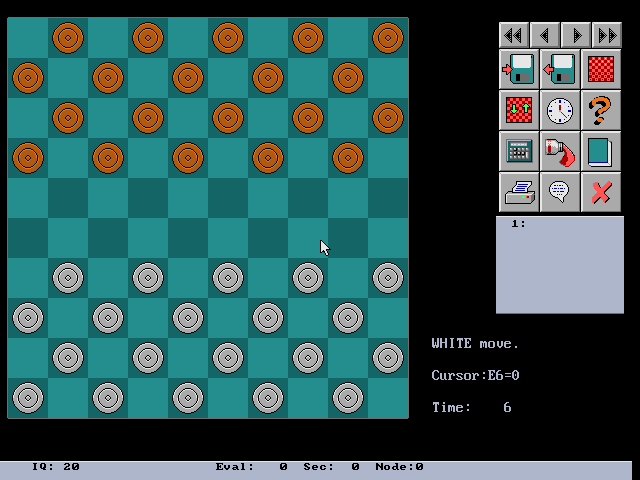
The default interface uses a board, a toolbox, and mouse-driven controls inside DOS. Click a source square and then a destination to make a move. Players who prefer the keyboard can press F9 to enable a cursor, move it with the numeric keypad, and use Enter to select pieces and destinations. F1 shows legal moves, F5 toggles two-player or setup mode, and the program can save and load games in Portable Draughts Notation. Millett was an early advocate of PDN, so the database tools are more than a convenience: they connect the program to the broader history of computer-assisted draughts analysis.
Dynamo's computer opponent can be adjusted by time and search settings. On modern hardware the original DOS executable may spend much longer thinking than a contemporary board-game application, but the slower pace makes its analysis visible. The interface can show candidate lines, board statistics, opening-book choices, and recorded games. Beginners should start with a standard 8-by-8 rule set and a modest thinking time before exploring the larger international boards.
The author released the program and source code under the GNU GPL version 3 in 2024. The official repository includes the original DOS executable, its supporting data, documentation, source code, and experimental modern console builds. This browser package preserves those materials and starts the DOS version directly. Remember the central rule shared by many variants: when a capture is available, taking it is compulsory, and some variants require the longest available capture sequence.
Start here
Quick tips
Press F1 when a move is rejected; Dynamo can highlight the pieces that have a legal move.
Press F9 to enable keyboard control, then use the numeric keypad and Enter to select a piece and its destination.
Begin with a short computer thinking time while learning the interface, then increase it for a stronger opponent.
- Mouse
- Select a piece, destination, or toolbox command
- F9
- Enable the keyboard board cursor
- Numeric keypad
- Move the board cursor
- Enter
- Select the current piece or destination
- F1
- Show legal moves
Screens
Screenshots
Keep playing
Similar Games

Help improve this entry
Something not working?
Report a gameplay or information problem. Short reports are enough.
Archive notes
Rights and Source Notes
- Distribution
- GNU GPL version 3
- Browser player
- js-dos · Browser play
- Added to archive
- 2026-07-22
- Official references