µCity
Saves are stored in this browser.
Player notes
About this game
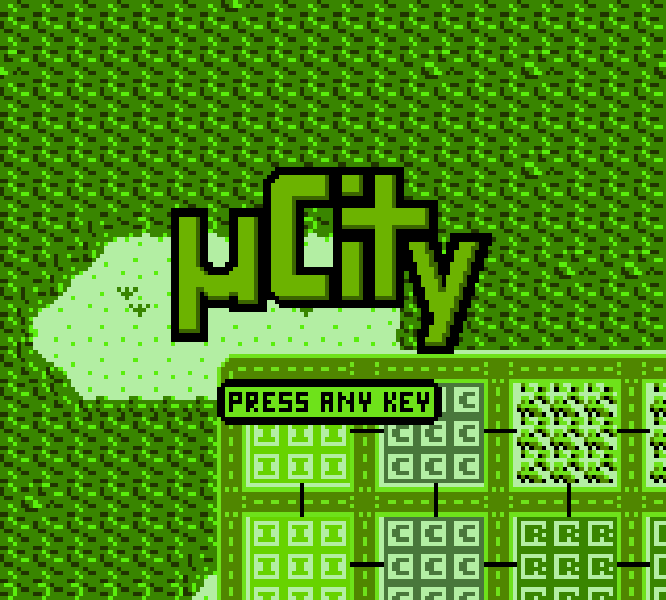
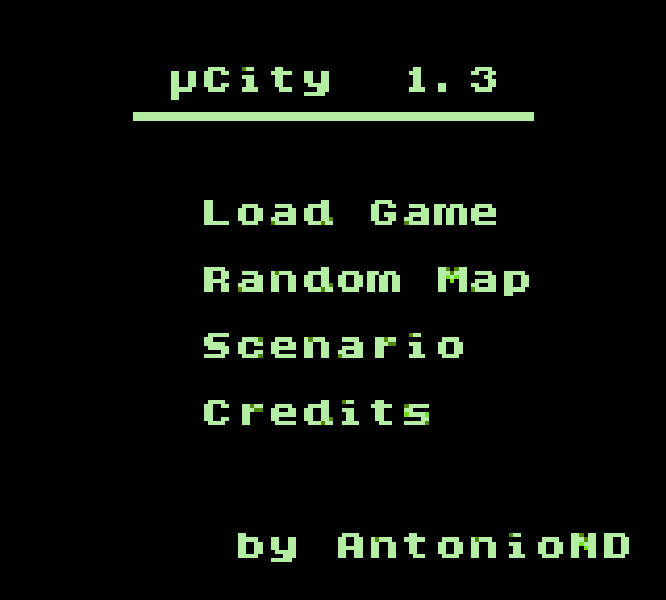
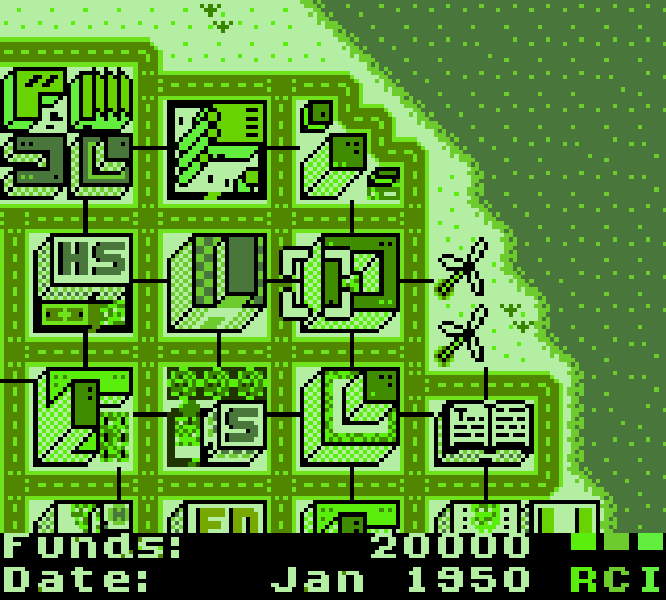
µCity is an open-source city-building game created by Antonio Niño Díaz for Game Boy Color. The first complete release arrived in 2017, while version 1.3 updated the project in 2025 for current RGBDS tools. A new city can begin from a predefined scenario or from a random map seed. Reusing the same seed recreates the same landscape, which makes it possible to compare different road networks and zoning plans without changing the terrain.
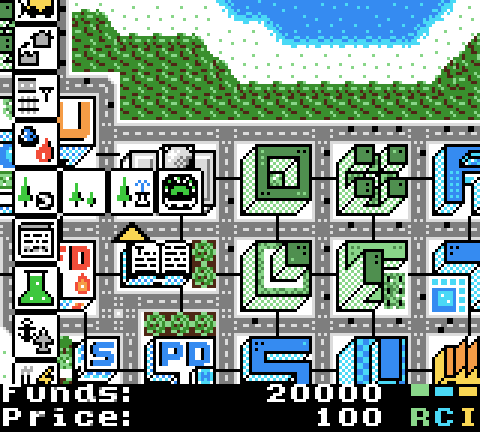
Construction starts from the Select menu. The player places residential, commercial, and industrial zones, but the individual houses, shops, and factories grow only when the city is attractive enough. Roads, rail, power lines, schools, police, hospitals, parks, cultural buildings, and several types of power plant all compete for a limited budget. The cursor can inspect a tile with the A button, while holding B moves the view without changing the selected construction position.
The simulation connects its systems rather than treating each building as decoration. Residents need routes to schools and workplaces, and congested roads eventually discourage travel. Unpowered buildings stop working. Pollution reduces demand, seasonal temperature changes the output of some power plants, and universities raise the technology level needed for advanced energy. Population and civic buildings move the settlement through village, town, city, metropolis, and capital classes, unlocking more construction options along the way. There is no fixed victory screen; the long-term goal is to keep expanding without recording four negative budgets in a row.
For a first city, connect power and a short road before adding a small group of residential, commercial, and industrial zones. Leave room to extend the road rather than surrounding the first blocks with services. Add police and a school early, then watch traffic and power before spending on prestige buildings. The pause menu can save the current city, and loans can rescue a temporary shortfall, but repeated negative budgets still end the run. Fires and nuclear accidents can be disabled in the options menu while learning the economy. These interacting systems make µCity unusually substantial for a handheld homebrew game and well suited to longer browser sessions with local saves.
Start here
Quick tips
Build a short powered road first, then place small residential, commercial, and industrial zones with room for later expansion.
Press X over a tile to inspect it, and hold Z while using the arrows when you want to move around the map without moving the cursor.
Open the build menu with Tab and save from the pause menu with Enter before testing an expensive transport or power redesign.
- Arrow keys
- Move the cursor or map view
- X
- Game Boy A: inspect a tile or confirm
- Z
- Game Boy B: hold to move the map freely or cancel
- Enter
- Start: open the pause and save menu
- Tab
- Select: open the build menu
- D-pad
- Move the cursor or map view
- A button
- Inspect a tile or confirm
- B button
- Hold to move the map freely or cancel
- Start
- Open the pause and save menu
- Select
- Open the build menu
Screens
Screenshots
Keep playing
Similar Games

Help improve this entry
Something not working?
Report a gameplay or information problem. Short reports are enough.
Archive notes
Rights and Source Notes
gbc from the author's v1.3 GitHub release.
- Distribution
- GNU GPL version 3 or later; CC BY-SA 4.0 media
- Browser player
- EmulatorJS · Browser play
- Added to archive
- 2026-07-22
- Official references