Tag
DOS Chess Games
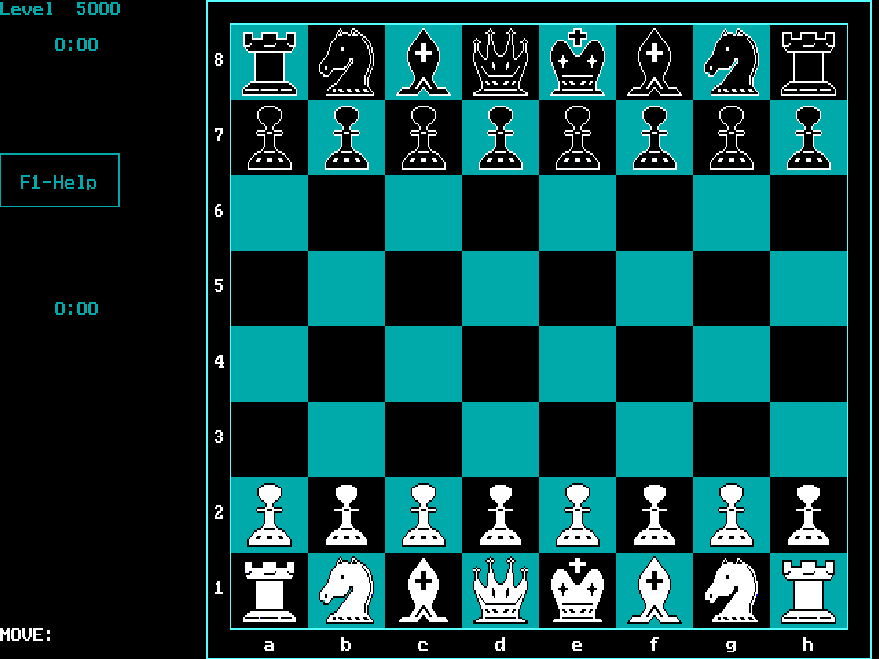
Compare chess programs by how you enter a move and how much time the computer spends thinking. These DOS releases offer mouse boards, keyboard cursors or typed coordinates. They run as archived programs in your browser; this page does not provide online opponent pairing or rated matches.
Browse all 6 games ↓A few places to start
Archive entries
↑↓ Select · Enter Open| Game | Platform | Year | Genre | Play |
|---|---|---|---|---|
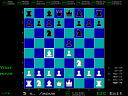
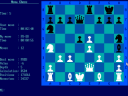
CentaurPlay chess against Centaur’s DOS engine, enter moves by coordinates and adjust its thinking level through keyboard menus. | DOS | 1990 | Board & Card | PLAY |
ChenardPlay chess against Chenard, choose a thinking time for the computer, and move pieces with a keyboard cursor. | DOS | 1996 | Board & Card | PLAY |
Chess88Play keyboard-controlled chess in Chess88, choosing a side and search depth before moving pieces with the cursor, Delete and Insert keys. | DOS | 1984 | Board & Card | PLAY |
CluelessPractice chess against a beginner-oriented computer opponent, choosing from six levels and making moves with the mouse. | DOS | 1996 | Board & Card | PLAY |
Nero 5Play chess against Nero 5, select moves with the arrow keys and Enter, and save or revisit positions in its DOS interface. | DOS | 1999 | Board & Card | PLAY |
Nova ChessPlay chess through a mouse-driven board with adjustable search depth, takebacks and a menu that appears at the top of the screen. | DOS | 1996 | Board & Card | PLAY |